x=0&y=0&z=0


Do not attempt to call the
stringByEvaluatingJavaScriptFromString:
method of the
UIWebView
until the
UIWebViewDelegate
says that the
UIWebView
has finished loading its contents.
AppDelegate
ViewController
is also the
UIWebViewDelegate.
javascript.html.
The HTML non-breaking space
prevents the
info
window
from scrunching up (sometimes).
See the
JavaScript
API
for Google Maps.
In
Main.storyboard,
tell the
ViewController
to create a view of class
UIWebView.
To add the text file
javascript.html
to the project,
follow the instructions in the exercise in
States.
To see the Develop menu in Safari,
Safari →
Preferences… →
Advanced
☑ Show Develop menu in menu bar
To enable JavaScript in Safari,
Safari →
Preferences… →
Security
Web content: ☑ Enable JavaScript
To see the error console in Safari,
Develop → Show Error Console
Edit →
Preferences →
Advanced
✓ Show Develop menu in menu bar
Firefox →
Preferences… →
Content
Enable JavaScript
Tools → Error Console
All
View → Development → JavaScript Console
javaScript = "showmap(40.7101843, -74.0061474, 18);"
retval! = 12345
n! = 12345
showmap
function in
javascript.html,
change
HYBRID
to
ROADMAP,
SATELLITE,
or
TERRAIN.
showmap
function in
javascript.html.
The title of the marker is not displayed in the iPS Simulator.
ROADMAP
or
HYBRID.
Decrease the zoom level to 12
in the
webViewDidFinishLoad(_:)
method of class
View.
Then add the following statements to the
showmap
function in
javascript.html,
immediately after the statement that creates the
map
variable.
	var trafficLayer = new google.maps.TrafficLayer();
	trafficLayer.setMap(map);
What about the bicycling layer?
A Google map is made of tiles.
Each tile is a separate image file,
usually of 256 × 256 pixels.
Each tile has a URL.
The URLs of the following tiles begin with
https://mts0.google.com/vt/
(or
mts1,
mts2,
mts3
for the other map tile servers).
For example, the URL of the first tile is
https://mts0.google.com/vt/x=0&y=0&z=0.
(For satellite, use
https://mts0.google.com/vt/x=0&y=0&z=0&lyrs=s.)
At zoom level 0, the entire map is 1 tile wide and 1 tile high.
x=0&y=0&z=0 |
At zoom level 1, the map is 2 tiles wide and 2 tiles high.
x=0&y=0&z=1 |
x=1&y=0&z=1 |
x=0&y=1&z=1 |
x=1&y=1&z=1 |
At zoom level 2, the map is 4 tiles wide and 4 tiles high.
x=0&y=0&z=2 |
x=1&y=0&z=2 |
x=2&y=0&z=2 |
x=3&y=0&z=2 |
x=0&y=1&z=2 |
x=1&y=1&z=2 |
x=2&y=1&z=2 |
x=3&y=1&z=2 |
x=0&y=2&z=2 |
x=1&y=2&z=2 |
x=2&y=2&z=2 |
x=3&y=2&z=2 |
x=0&y=3&z=2 |
x=1&y=3&z=2 |
x=2&y=3&z=2 |
x=3&y=3&z=2 |
New York Times article.
The URLs of the following tiles begin with
http://mw1.google.com/mw-planetary/lunar/lunarmaps_v1/clem_bw/.http://mw1.google.com/mw-planetary/lunar/lunarmaps_v1/clem_bw/0/0/0.jpg.
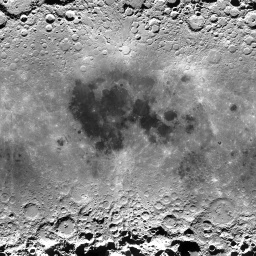 |
|
0/0/0.jpg |
the corresponding tile for the Earth |
At zoom level 1, the map is 2 tiles wide and 2 tiles high.
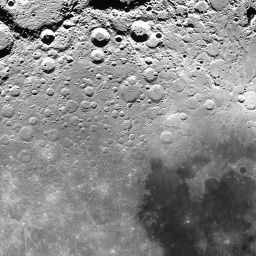 |
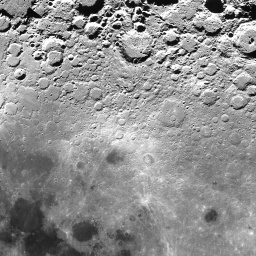 |
1/0/1.jpg |
1/1/1.jpg |
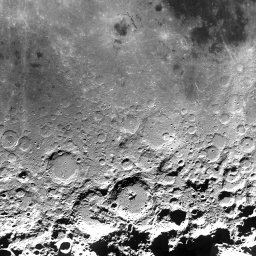 |
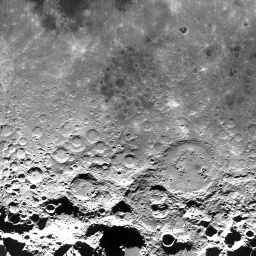 |
1/0/0.jpg |
1/1/0.jpg |
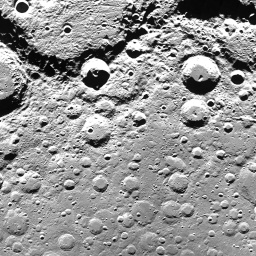
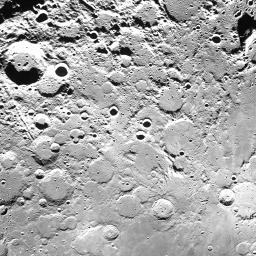
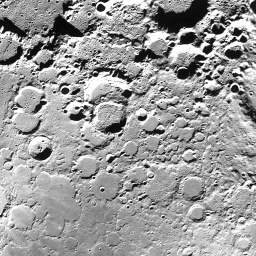
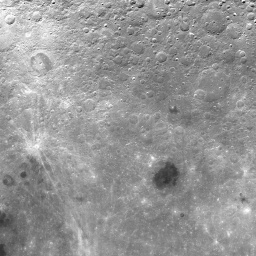
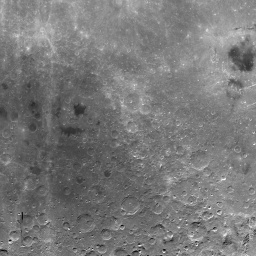
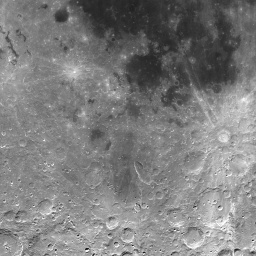
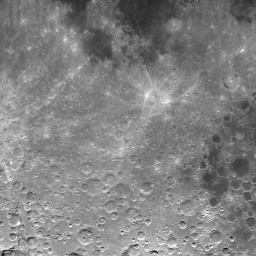
At zoom level 2, the map is 4 tiles wide and 4 tiles high.
 |
 |
 |
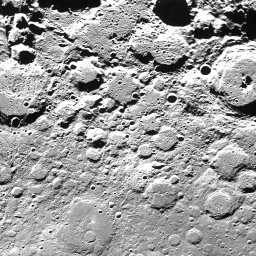 |
2/0/3.jpg |
2/1/3.jpg |
2/2/3.jpg |
2/3/3.jpg |
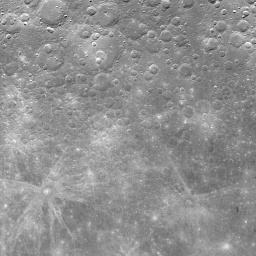 |
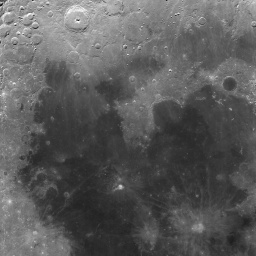 |
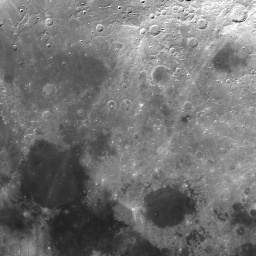 |
 |
2/0/2.jpg |
2/1/2.jpg |
2/2/2.jpg |
2/3/2.jpg |
 |
 |
 |
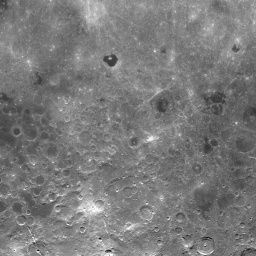 |
2/0/1.jpg |
2/1/1.jpg |
2/2/1.jpg |
2/3/1.jpg |
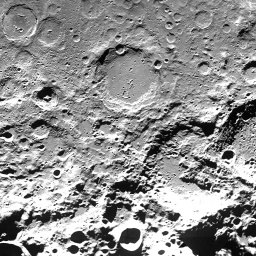 |
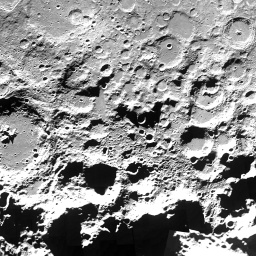 |
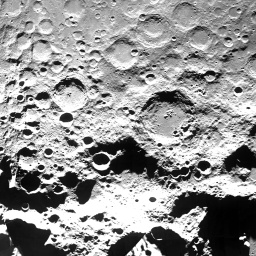 |
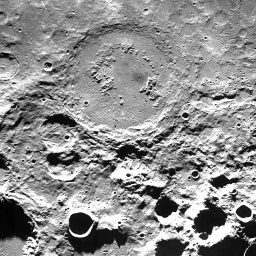 |
2/0/0.jpg |
2/1/0.jpg |
2/2/0.jpg |
2/3/0.jpg |
To see
Tycho,
the most conspicuous crater on the Moon,
change the contents of the
javascript.html
file to the following.
<!DOCTYPE html>
<HTML STYLE = "height: 100%;">
<HEAD>
<META NAME = "viewport" CONTENT = "initial-scale=1.0, user-scalable = yes"/>
<META HTTP-EQUIV = "content-type" CONTENT = "text/html; charset = UTF-8;"/>

<SCRIPT TYPE = "text/javascript"
	SRC = "http://maps.google.com/maps/api/js?sensor=false"></SCRIPT>

<SCRIPT TYPE = "text/javascript">

function MoonMapType() {}	//constructor
MoonMapType.prototype.name = "Moon";
MoonMapType.prototype.alt = "Clementine Moon Map";
MoonMapType.prototype.minZoom = 0;
MoonMapType.prototype.maxZoom = 9;
MoonMapType.prototype.radius = 1738000;	//of Moon in meters
MoonMapType.prototype.tileSize = new google.maps.Size(256, 256);

MoonMapType.prototype.getTile = function(coord, zoom, ownerDocument) {
	//The map is n by n tiles, where n == 2 ** zoom.
        var n = 1 << zoom;

	//Can't go above the north pole or below the south pole,
        var y = coord.y;
        if (y < 0 || y >= n) {
                return null;
        }

	//but can go round and round forever in the east/west direction.
        var x = coord.x % n;
        if (x < 0) {
                x += n;
        }

	var img = ownerDocument.createElement("IMG");
	img.src = "http://mw1.google.com/mw-planetary/lunar/lunarmaps_v1"
		+ "/clem_bw/" + zoom + "/" + x + "/" + (n - y - 1) + ".jpg";
	return img;
};

//This function is called by the webViewDidFinishLoad: method of the
//UIWebViewDelegate.

function showmap(latitude, longitude, zoom) {
	var options = {
		center: new google.maps.LatLng(latitude, longitude),
		mapTypeControl: false,
		scaleControl: true,
		zoom: zoom
	};

	var map = new google.maps.Map(document.getElementById("mapDivision"),
		options);
	map.mapTypes.set("moon", new MoonMapType());	//add to map's registry
	map.setMapTypeId("moon");
}
</SCRIPT>
</HEAD>

<BODY STYLE = "height: 100%; margin: 0px;">
<DIV ID = "mapDivision" STYLE = "height: 100%;"></DIV>
</BODY>
</HTML>
In the
webViewDidFinishLoad(_:)
method of the web veiw delegate,
change the variable
javascript
to the following.
		let javascript: String = String(format: "showmap(%.15g, %.15g, %d);",
			//the crater Tycho on the Moon
			-43.0,		//latitude
			-11.2,		//longitude
			4);		//zoom level

To see
Orion
the Hunter,
the most conspicuous constellation in the sky,
change
img.src
to
	img.src = "http://mw1.google.com/mw-planetary/sky/skytiles_v1/" +
		coord.x + "_" + coord.y + '_' + zoom + '.jpg';
Change the maximum zoom level to 13 and the radius to I don’t know what. Does the sky even have a radius? In this example, the radius of the sky is
In the
webViewDidFinishLoad(_:)
method of class
View,
change the variable
javaScript
to the following.
		let javascript: String = String(format: "showmap(%.15g, %.15g, %d);",
			//the constellation Orion the Hunter
			-1.0,			//latitude
			6.44 * 360.0 / 24.0,	//longitude
			5);			//zoom level
Betelgeuse is to the upper left, Rigel to lower right. The right ascension should be about 5½ hours; I don’t understand why I had to ask for 6.44.

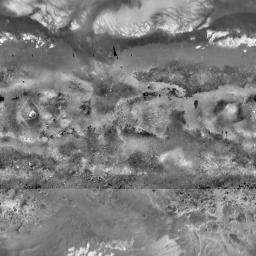
The URL of each tile begins with
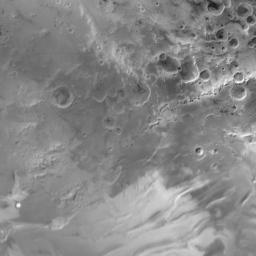
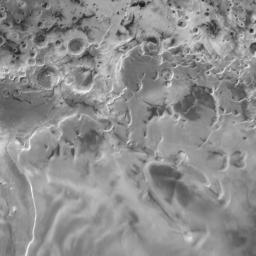
http://mw1.google.com/mw-planetary/mars/visible/.http://mw1.google.com/mw-planetary/mars/visible/t.jpg.qrst
names of the tiles make the JavaScript more complicated.
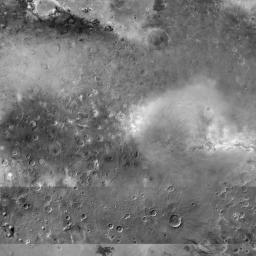
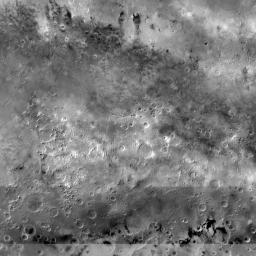
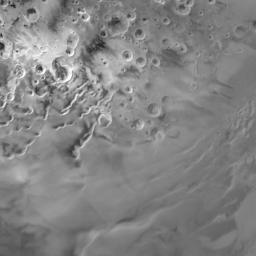
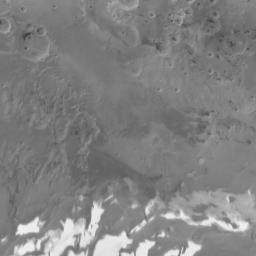
At zoom level 0,
the map is 1 tile wide and 1 tile high.
 |
t.jpg |
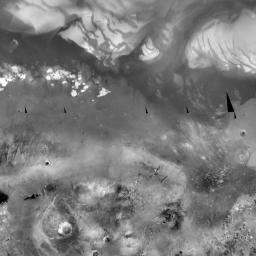
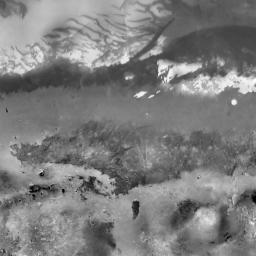
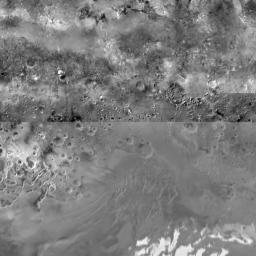
At zoom level 1, the map is 2 tiles wide and 2 tiles high.
 |
 |
tq.jpg |
tr.jpg |
 |
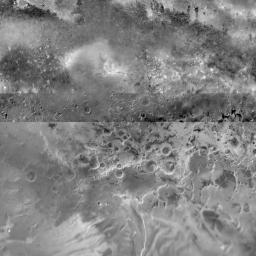 |
tt.jpg |
ts.jpg |
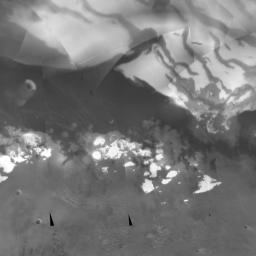
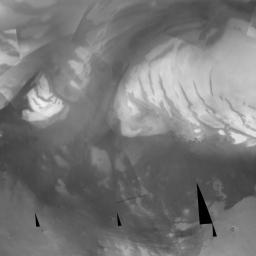
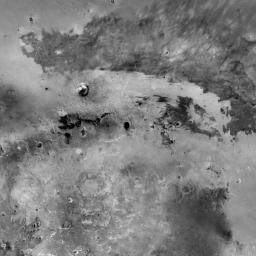
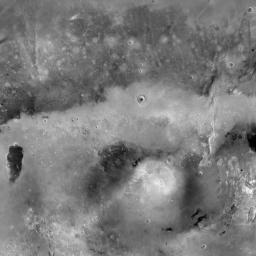
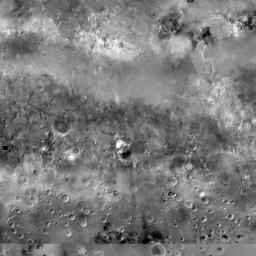
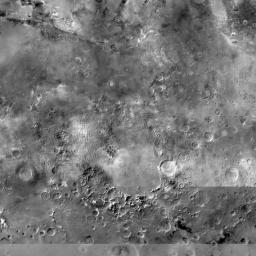
At zoom level 2, the map is 4 tiles wide and 4 tiles high.
 |
 |
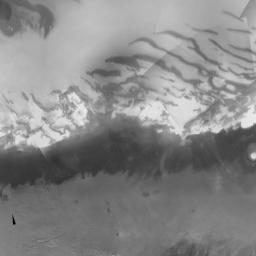 |
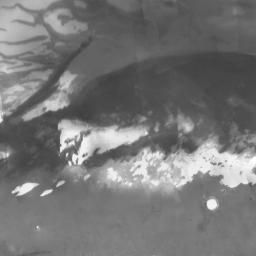 |
tqq.jpg |
tqr.jpg |
trq.jpg |
trr.jpg |
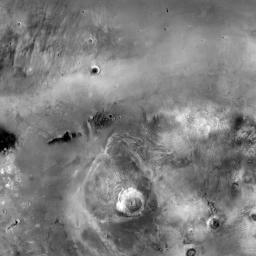 |
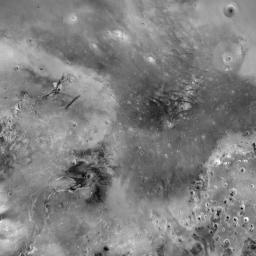 |
 |
 |
tqt.jpg |
tqs.jpg |
trt.jpg |
trs.jpg |
 |
 |
 |
 |
ttq.jpg |
ttr.jpg |
tsq.jpg |
tsr.jpg |
 |
 |
 |
 |
ttt.jpg |
tts.jpg |
tst.jpg |
tss.jpg |
To see
Olympus Mons,
the most conspicuous volcano on Mars,
change the contents of the
javascript.html
file to the following.
<!DOCTYPE html>
<HTML STYLE = "height: 100%;">
<HEAD>
<META NAME = "viewport" CONTENT = "initial-scale=1.0, user-scalable = yes"/>
<META HTTP-EQUIV = "content-type" CONTENT = "text/html; charset = UTF-8;"/>

<SCRIPT TYPE = "text/javascript"
	SRC = "http://maps.google.com/maps/api/js?sensor=false"></SCRIPT>

<SCRIPT TYPE = "text/javascript">

function MarsMapType() {}	//constructor
MarsMapType.prototype.name = "Mars";
MarsMapType.prototype.alt = "JPL Mars Map";
MarsMapType.prototype.minZoom = 0;
MarsMapType.prototype.maxZoom = 9;
MarsMapType.prototype.radius = 3396200;	//of Mars in meters
MarsMapType.prototype.tileSize = new google.maps.Size(256, 256);

MarsMapType.prototype.getTile = function(coord, zoom, ownerDocument) {
	//The map is n by n tiles, where n == 2 ** zoom.
        var n = 1 << zoom;

	//Can't go above the north pole or below the south pole,
        var y = coord.y;
        if (y < 0 || y >= n) {
                return null;
        }

	//but can go round and round forever in the east/west direction.
        var x = coord.x % n;
        if (x < 0) {
                x += n;
        }

	var quadrant = new Array(
		new Array("q", "r"),
		new Array("t", "s")
	);

	var img = ownerDocument.createElement("IMG");
	img.src = "http://mw1.google.com/mw-planetary/mars/visible/t";

	var x = coord.x;
	var y = coord.y;

	for (var n = 1 << zoom - 1; n > 0; n >>= 1) {
		img.src += quadrant[Math.floor(y / n)][Math.floor(x / n)];
		x %= n;
		y %= n;
	}

	img.src += ".jpg";
	return img;
};

//This function is called by the webViewDidFinishLoad: method of the
//UIWebViewDelegate.

function showmap(latitude, longitude, zoom) {
	var options = {
		center: new google.maps.LatLng(latitude, longitude),
		mapTypeControl: false,
		scaleControl: true,
		zoom: zoom
	};

	var map = new google.maps.Map(document.getElementById("mapDivision"),
		options);
	map.mapTypes.set("mars", new MarsMapType());	//add to map's registry
	map.setMapTypeId("mars");
}
</SCRIPT>
</HEAD>

<BODY STYLE = "height: 100%; margin: 0px;">
<DIV ID = "mapDivision" STYLE = "height: 100%;"></DIV>
</BODY>
</HTML>
Then go to latitude 18.4, longitude 226.75, zoom 7.
